Input Lag Explained: Where Your Milliseconds Go (and Which Upgrades Matter)
Every link between your click and the screen, from mouse and keyboard to frame rate, V-sync and monitor, how many milliseconds each one costs, and which fixes are worth it.
 Piotr Vassev··5 min read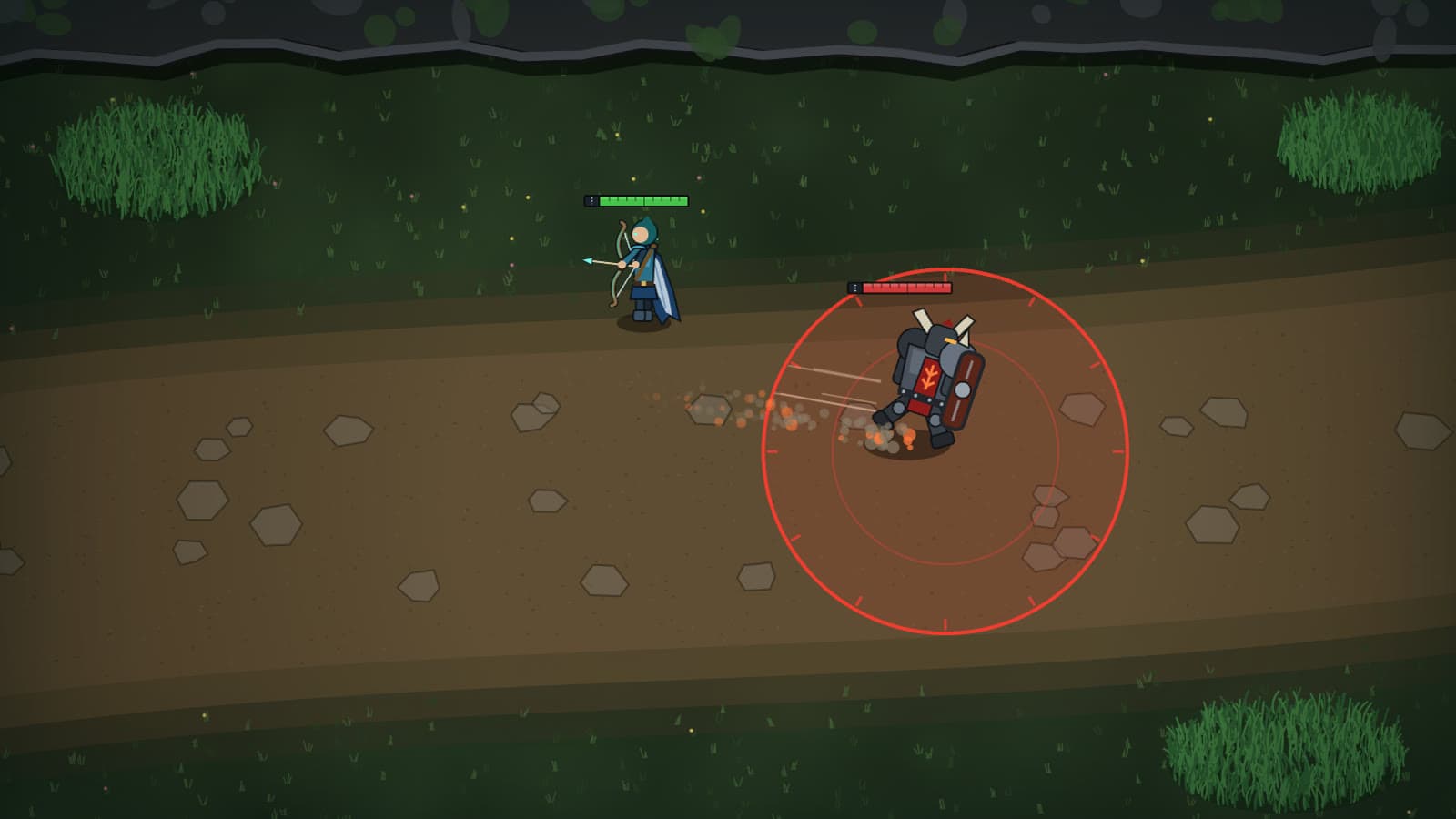
Input lag is the time between your finger moving and the result appearing on screen. It isn't one delay. It's a chain of them, and some links cost far more than others. Here's where the milliseconds go and which ones are worth chasing.
The chain, link by link
A press passes through your input device, the PC (game logic and rendering), sync, and the display. NVIDIA's latency guide calls the PC part "often the largest contributor".
| Link | Rough cost | What changes it |
|---|---|---|
| Mouse or keyboard | ~1–20 ms (NVIDIA); some office keyboards up to ~60 ms (Dan Luu) | Device, connection, debounce setting |
| USB polling (average wait) | 4 ms at 125 Hz, 0.5 ms at 1000 Hz | Polling rate setting |
| Rendering a frame | At least one frame time: 16.7 ms at 60 FPS, 6.9 ms at 144 FPS | Frame rate, GPU load |
| Render queue (GPU-bound) | About one extra frame time per queued frame | Frame cap, low-latency mode |
| V-sync, FPS above refresh | Typically 2 frames: ~33 ms at 60 Hz, ~14 ms at 144 Hz (Blur Busters) | V-sync off, or VRR + frame cap |
| Display processing | About 0.5–1.5 ms in RTINGS's monitor examples, more with scaling or TV processing (RTINGS) | Native resolution, Game Mode |
| Scanout to mid-screen | 8.3 ms at 60 Hz, 3.5 ms at 144 Hz, 2.1 ms at 240 Hz | Refresh rate |
The ranges are wide because hardware varies. Treat this as a map, not a measurement of your setup.
Mouse and keyboard
Your device has to detect the press, then wait for the PC to poll it. The polling arithmetic is exact: 125 Hz is an 8 ms interval, 500 Hz is 2 ms, 1000 Hz is 1 ms. On average you wait half an interval, so going from 125 to 1000 Hz saves about 3.5 ms.
The device itself matters more. Dan Luu measured 21 keyboards from the moment the key started moving and got 15 to 60 ms. That was 2017 and mostly office boards, but the lesson holds: gaming branding didn't predict speed, so check independent tests, not the box.
On connections, RTINGS finds that wireless mice using their own USB receiver often match or beat wired ones. Bluetooth is the slowest. Keep the receiver close, since latency rises with distance. Also, as NVIDIA's guide puts it, higher DPI doesn't mean lower latency.
For a Flash, the key press is the input that counts, so your keyboard matters as much as your mouse.
Frame rate, queues and V-sync
A frame can't show your input until the frame has been rendered, so frame rate sets a floor: 16.7 ms per frame at 60 FPS, 6.9 ms at 144 FPS.
When the GPU is the bottleneck, frames pile up in a render queue and each waits its turn. NVIDIA's walkthrough shows how a frame cap or a low-latency mode empties it.
V-sync can be the most expensive setting of all. With your frame rate above your refresh rate, frames queue behind the display. Blur Busters reports 2–6 extra frames, typically 2: about 33 ms at 60 Hz and 14 ms at 144 Hz. Your options:
- V-sync off: lowest latency, with screen tearing.
- Variable refresh rate (VRR) with a frame cap: no tearing. Blur Busters recommends capping at least 3 FPS below your refresh rate, such as 141 FPS on a 144 Hz monitor, so V-sync never kicks in.
The monitor
A display paints each frame top to bottom, so even an instant monitor needs half a refresh to reach the middle of the screen. That's the floor in RTINGS's input lag table: 8.33 ms at 60 Hz, 3.47 ms at 144 Hz, 2.09 ms at 240 Hz. A good monitor adds little on top; RTINGS calls 4.0 ms at 144 Hz "fantastic".
Two things raise it. Below native resolution the monitor has to upscale, which in one RTINGS example took the 60 Hz result from 9.7 to 16.1 ms, so let your graphics card scale. And TVs process more than monitors, so use Game Mode.
Input lag stops when pixels start to change. Response time, how long the change takes, mostly decides motion blur; OLED is near-instant.
Refresh rate has its own post: 60 to 144 Hz saves about 5 ms on average from frame timing alone, 144 to 240 Hz under 2 ms more, plus whatever faster rendering saves.
What it adds up to
Take 60 Hz with V-sync on and the game running faster than the screen. From the table, that's 16.7 ms to render, about 33 ms in the V-sync queue and 8.3 ms of scanout, around 58 ms before your device is counted. At 144 Hz with VRR and a 141 FPS cap, the same three links come to about 10.6 ms.
Nearly 50 ms is a big slice of a 260–330 ms engage window. In a peer-reviewed NVIDIA study, skilled players finished targeting tasks faster with lower latency, while refresh rate alone had only minor effects once its built-in latency cut was removed.
Our benchmarks time you from the frame that shows the threat to the moment your input arrives, so your display and input device count, as in a game. We also estimate your refresh rate and show it under the arena and in your results. If it says ~60 Hz on a high-refresh monitor, check your display settings.
Try it · free, in your browserFlash the EngageA juggernaut charges in. Flash out of the zone before it lands.Which upgrades actually matter
- Settings first, they're free. Set your monitor to its highest refresh rate. Use V-sync off, or VRR with a frame cap 3 FPS under refresh. Turn on your game's or driver's low-latency mode. Set polling to 1000 Hz and run at native resolution. Use Game Mode on a TV. Together these can be worth tens of milliseconds.
- A 60 Hz monitor is the first hardware upgrade. Going to 144 Hz cuts both scanout time and frame time.
- Replace a Bluetooth or slow office device. A wired or receiver-based device at 1000 Hz removes the polling and Bluetooth penalties. Past that, RTINGS notes that a click latency score of 8.0 and one of 9.7 "feel identical in practice", so choose on shape and feel.
- A faster GPU or CPU only matters if you can't hold a frame rate near your refresh rate.
Spend in that order and stop when the next step would only save a millisecond or two.
FAQ
- What polling rate should I use for my mouse or keyboard?
- 1000 Hz if your device supports it. The polling interval is 1 ms, so the average wait is 0.5 ms. At 125 Hz the interval is 8 ms and the average wait is 4 ms. Rates above 1000 Hz can only save you less than another 0.5 ms on average.
- Is a wireless mouse slower than a wired one?
- Not necessarily. RTINGS finds that many gaming mice using their own USB receiver now match or beat wired models on click latency. Bluetooth is the slowest connection, so don't use it for games. Keep the receiver close to the mouse.
- Does V-sync add input lag?
- Yes, when your frame rate is higher than your refresh rate. Blur Busters reports a typical 2 extra frames once frames start queuing: about 33 ms at 60 Hz and about 14 ms at 144 Hz. Turn it off and accept tearing, or use variable refresh rate with a frame cap at least 3 FPS below your refresh rate.

Piotr Vassev
Software engineer, long-time League player and creator of mechanix.gg. Builds the frame-accurate timing and game simulations behind the benchmarks, and writes about what the numbers actually say.
Connect on LinkedInKeep reading